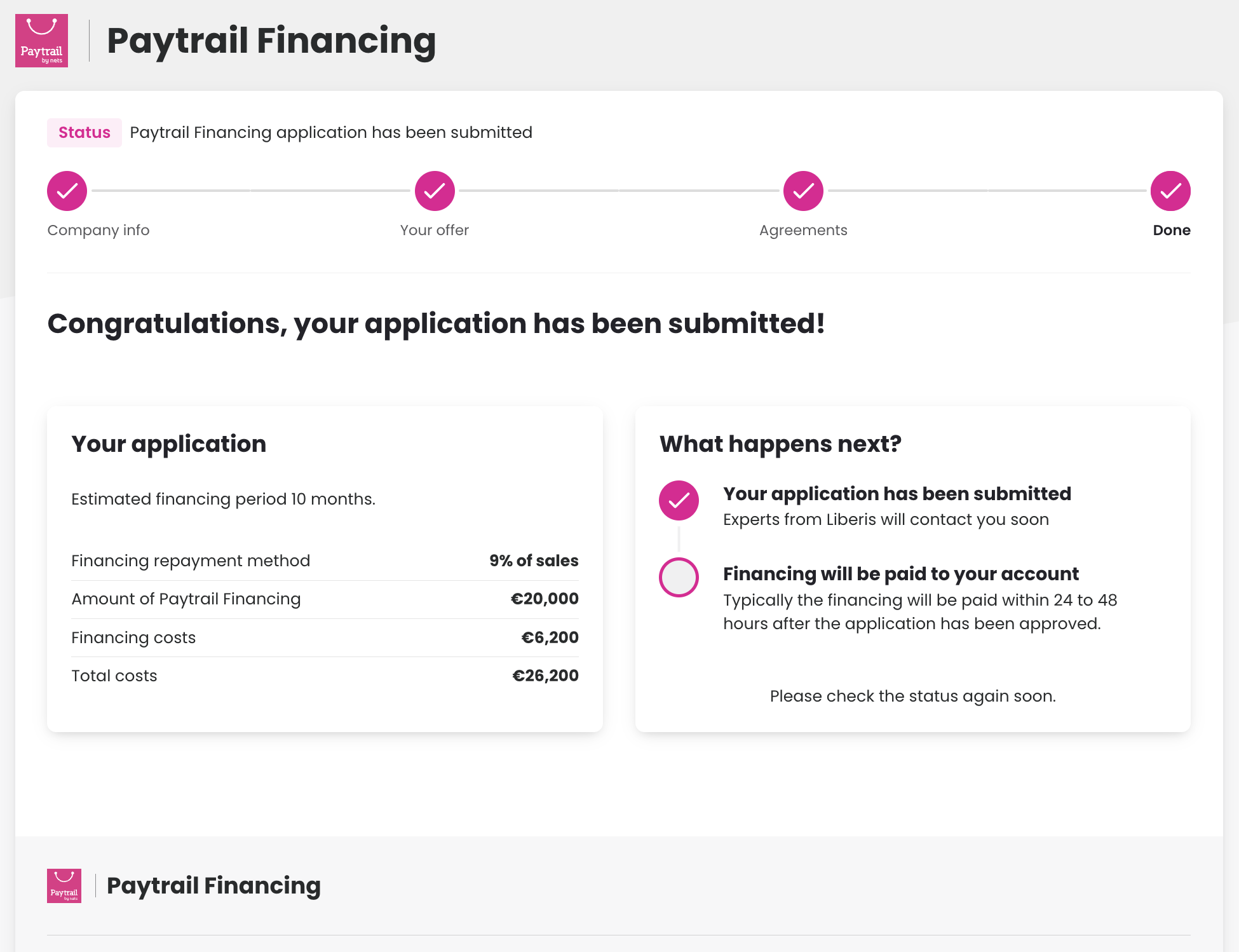
Apply for Paytrail Financing if your business has used Paytrail for at least four months. Eligibility is based on your transaction history and is designed for small and medium-sized e-commerce businesses seeking flexible business financing. Submit your application in the Merchant Panel, review your pre-approved funding offer, sign the agreement electronically, and receive funds after approval.
Explore how Paytrail Financing works.
Who is Paytrail Financing suitable for?
- Paytrail customers — you must have used Paytrail for at least four months.
- Businesses looking to grow — especially ideal for small and medium-sized merchants who want to boost their growth.
- Available for all types of online businesses — whether you sell products or services.
Step-by-step: Apply for financing
-
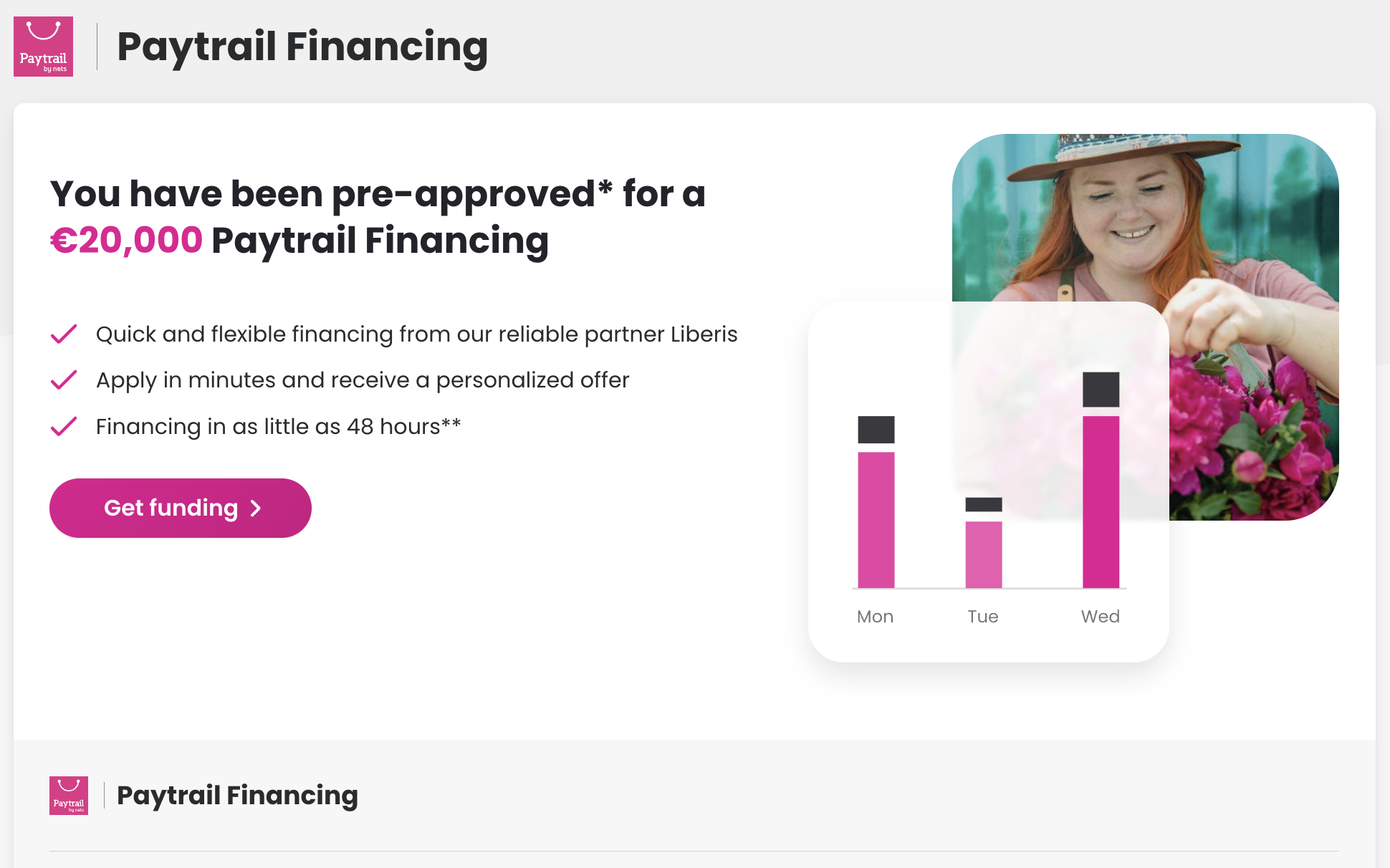
Sign in to the Merchant Panel, select Paytrail Financing from the left-hand menu, and click Get funding.
-
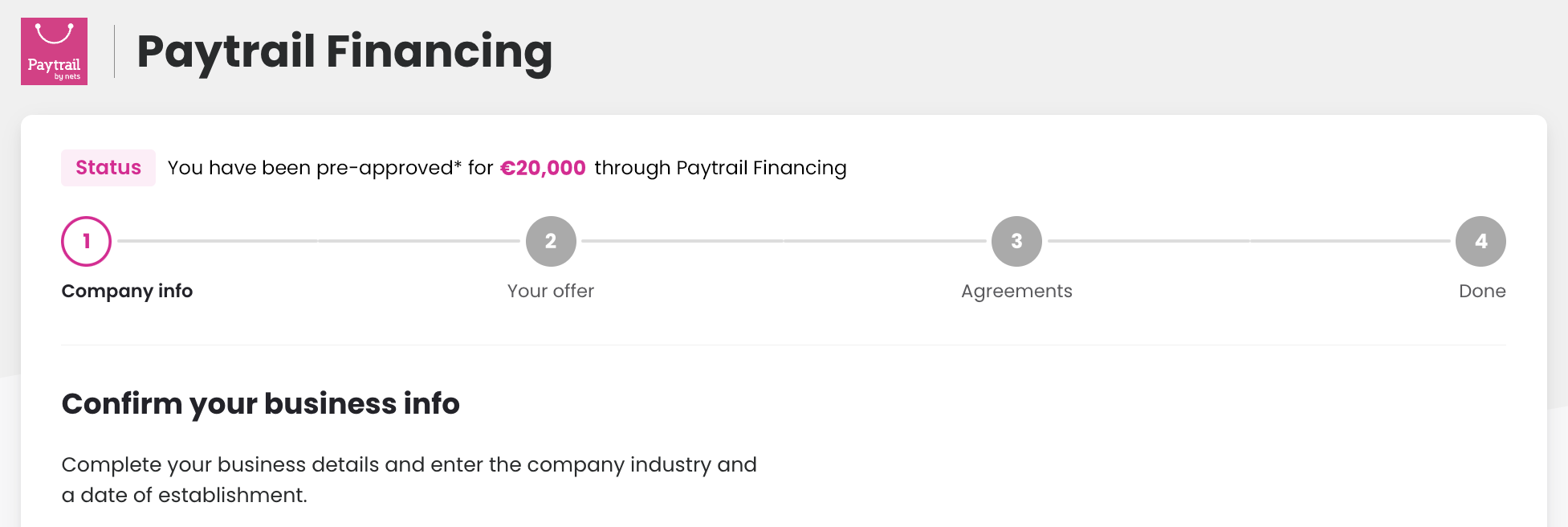
In Company info, confirm your company and applicant details, then click Confirm and proceed.
-
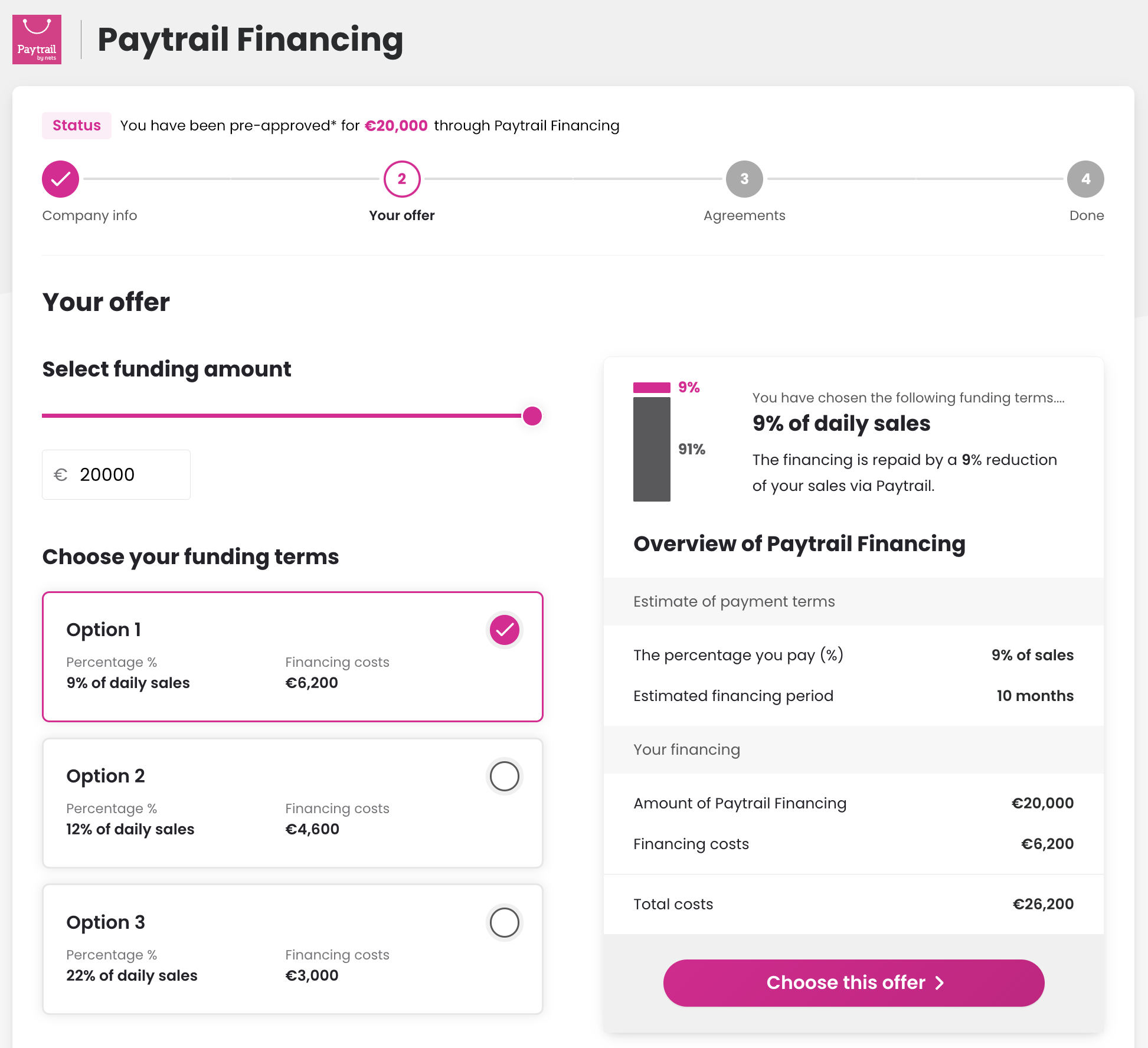
In Your offer, view your pre-approved amount. Adjust the funding amount to compare different repayment terms and see how the fees change. Once you choose the best option, click Choose this offer.
-
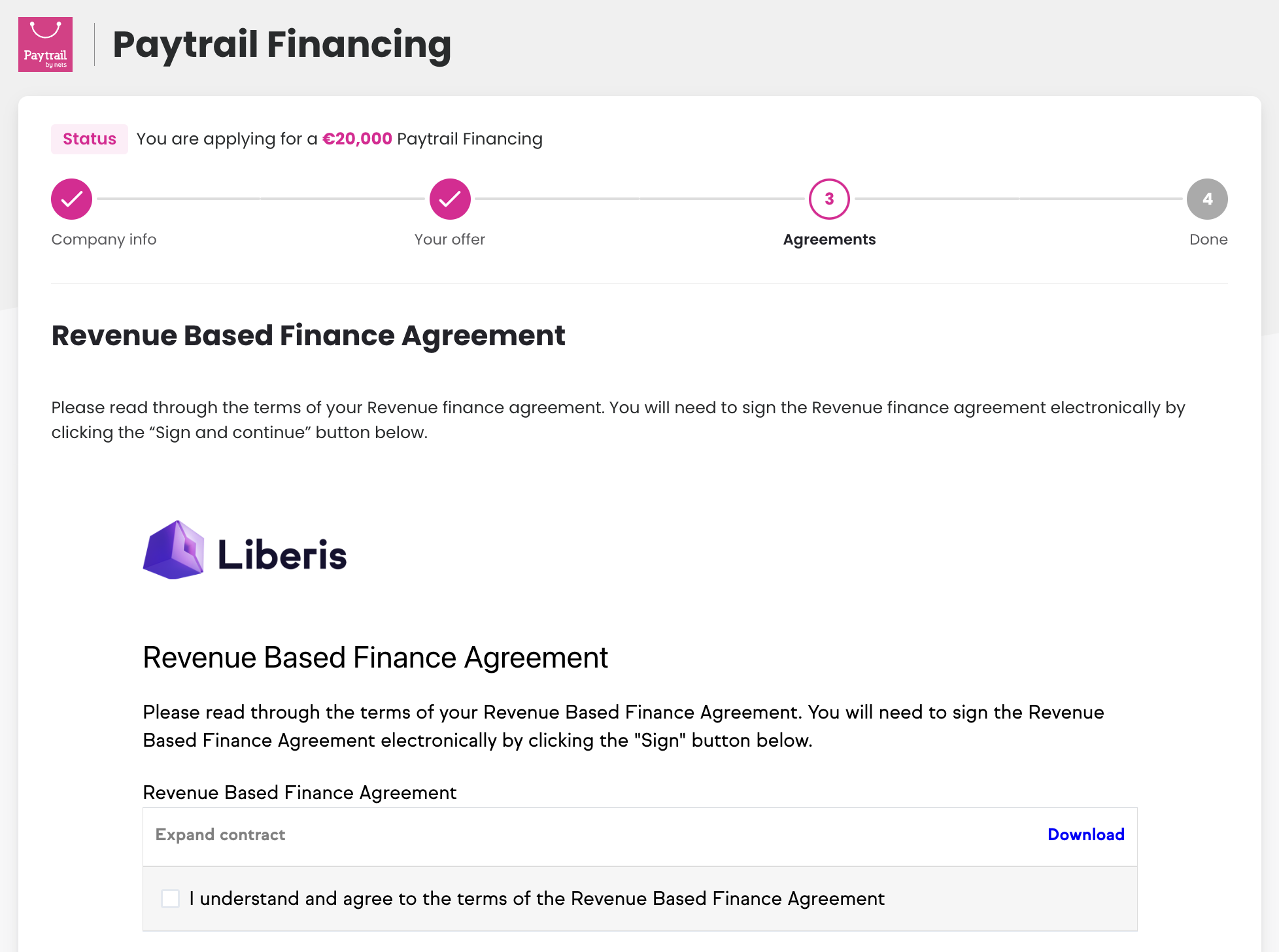
Review the agreement carefully. To accept the terms, click Sign and continue and complete the electronic authentication and signature.
-
After signing, your application is sent to our partner Liberis for review. If additional information is required, Liberis will contact you. Once approved, the funds are typically transferred to your account within 24 to 48 hours.