Learn how to reactivate your merchant account if it has been paused, for example, during the off-season. Resuming the account reactivates your payment service immediately. You will need the Manage information role to complete the steps in the Merchant Panel.
Step-by-step: Reactivate your account
- Sign in to the Merchant Panel
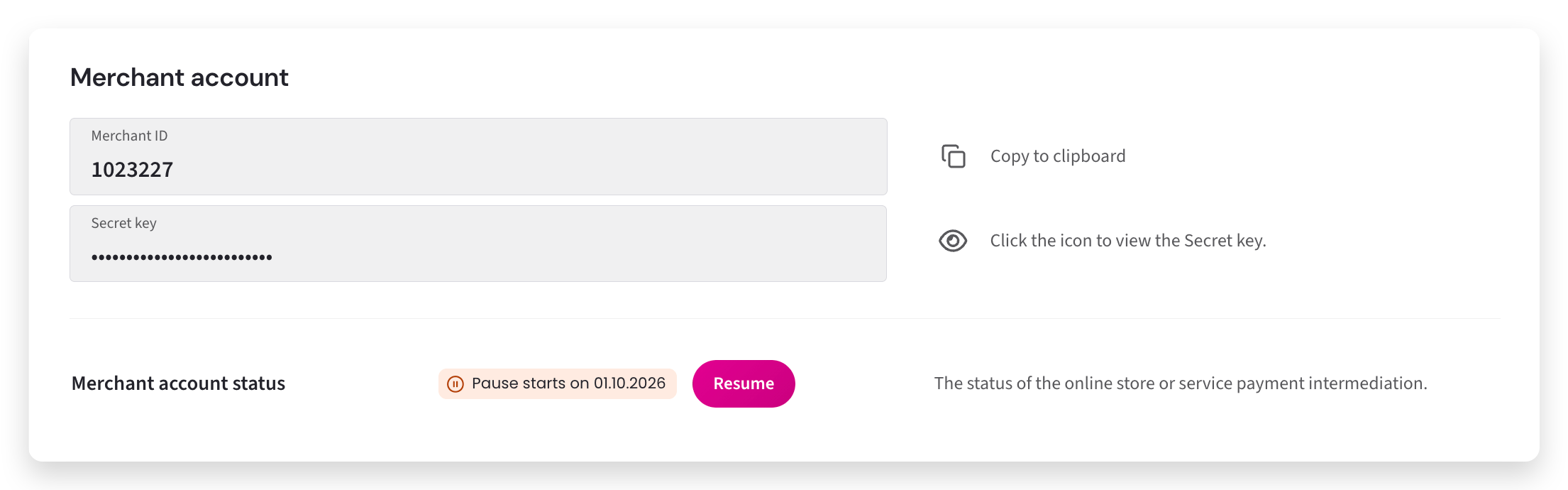
- From left-hand menu, select Merchant account.
- Under Merchant account, click Resume.
- A confirmation window will open. Click Resume again to confirm.
- Once confirmed, the status of the merchant account changes to Enabled, and the payment service becomes immediately available.