To meet regulatory requirements, we regularly ask merchants to review their company information in the Merchant Panel and confirm that their information is accurate and up to date. You will be occasionally be asked to confirm your company details, review company owners or beneficial owners, and verify that your business information is correct. Legislation requires us to regularly ask our customers to review their customer information in the Merchant Panel and ensure that it is up to date. Customers are periodically asked to review company owners and beneficial owners and to ensure that all information related to the customer relationship is correct.
The review usually takes around 3–5 minutes to complete.
Step by step: Review your company information
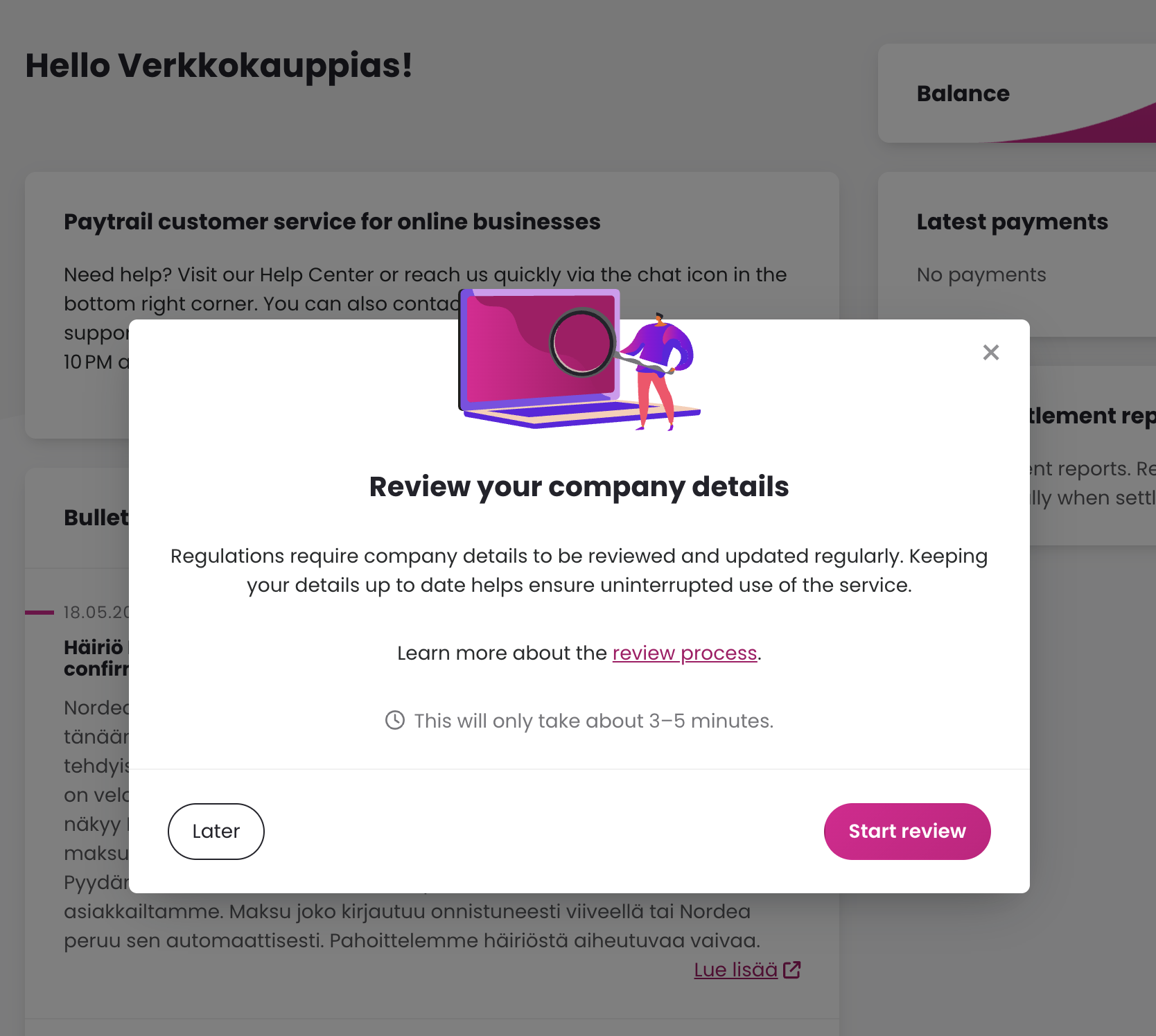
From time to time, you may see a request in the Merchant Panel to review your company information.
- Select Start to begin the review.
-
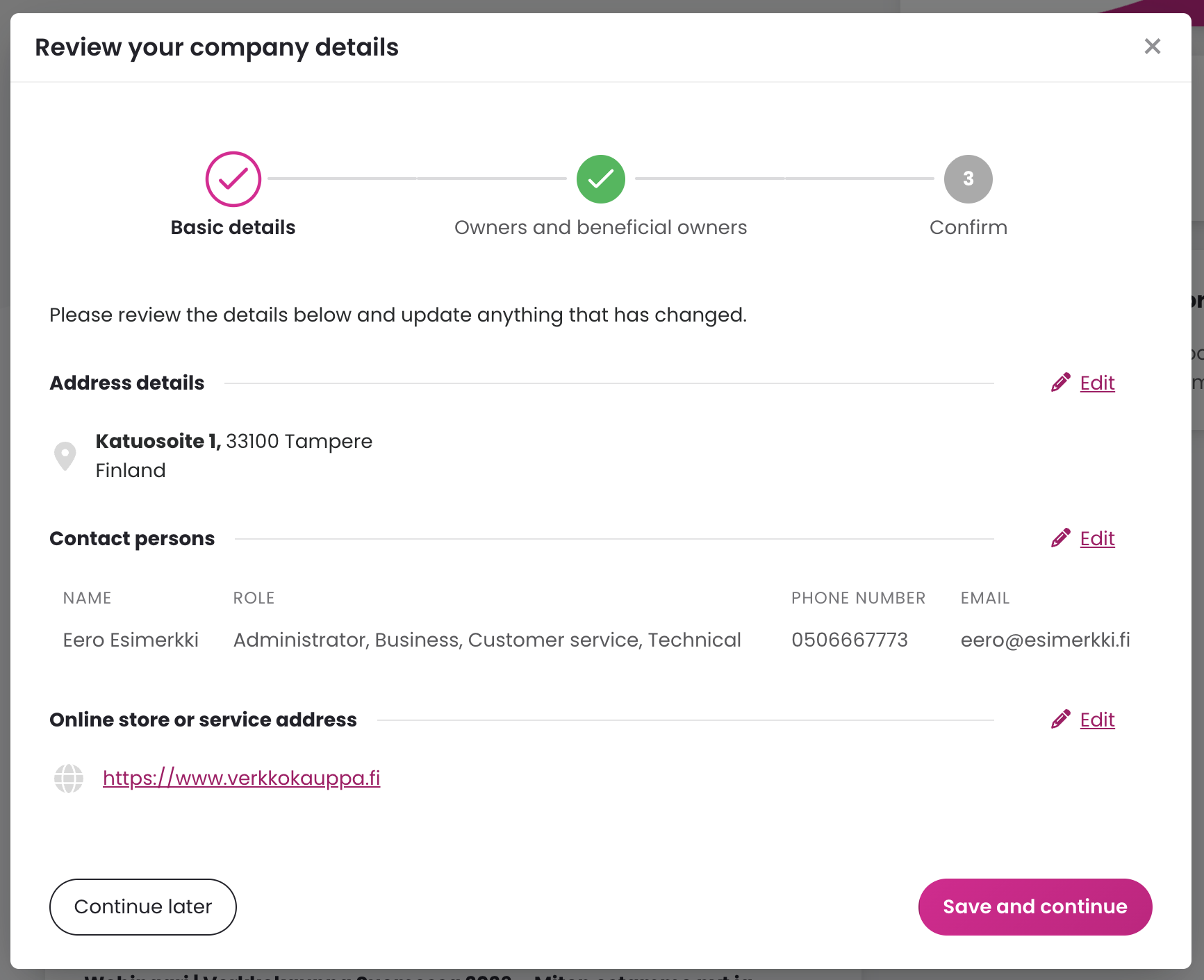
Review your company’s basic information and contact details. Check that the following information is up to date:
- company address
- contact persons’ contact types, phone numbers, and emails
- business website URL
- Remove contact persons who are no longer part of your company.
- Each contact type should have at least one contact person, although one person can have multiple contact roles.
- We recommend having at least two contact persons to help ensure continued access to your account if someone leaves the company.
If any information has changed, select Edit and update the details. Then select Save and continue.
-
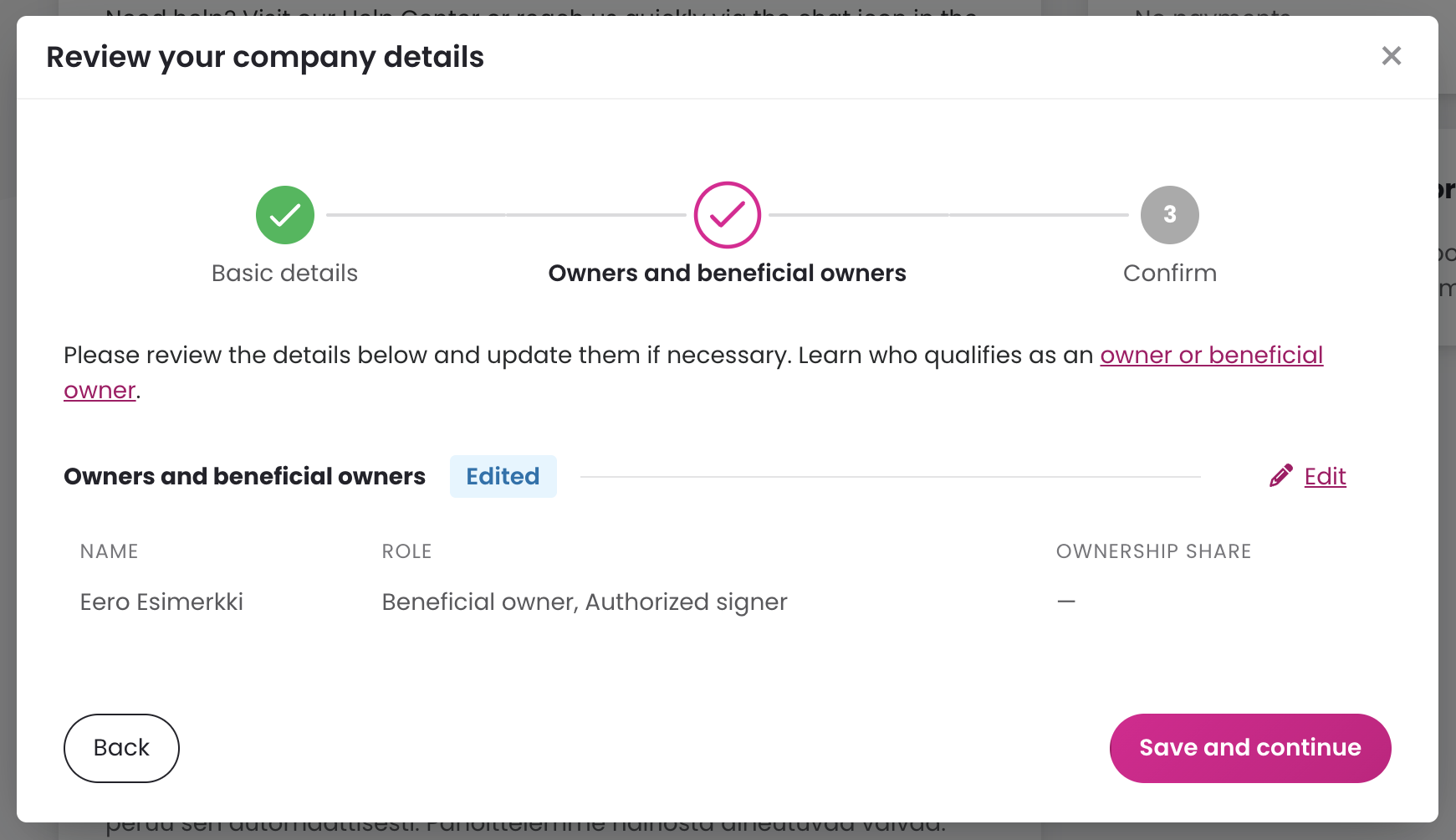
Review company owners and beneficial owners. If any information has changed, select Edit and update the details. Then select Save and continue.
Do you see the same beneficial owner listed more than once?
You may see the same beneficial owner listed more than once. Duplicate information may appear, for example, if your company has had parallel accounts.
During the review, remove any duplicate or outdated information and keep only the information that is currently correct. If the entries show different ownership percentages or grounds for beneficial ownership, check which information is correct before removing the unnecessary entry.
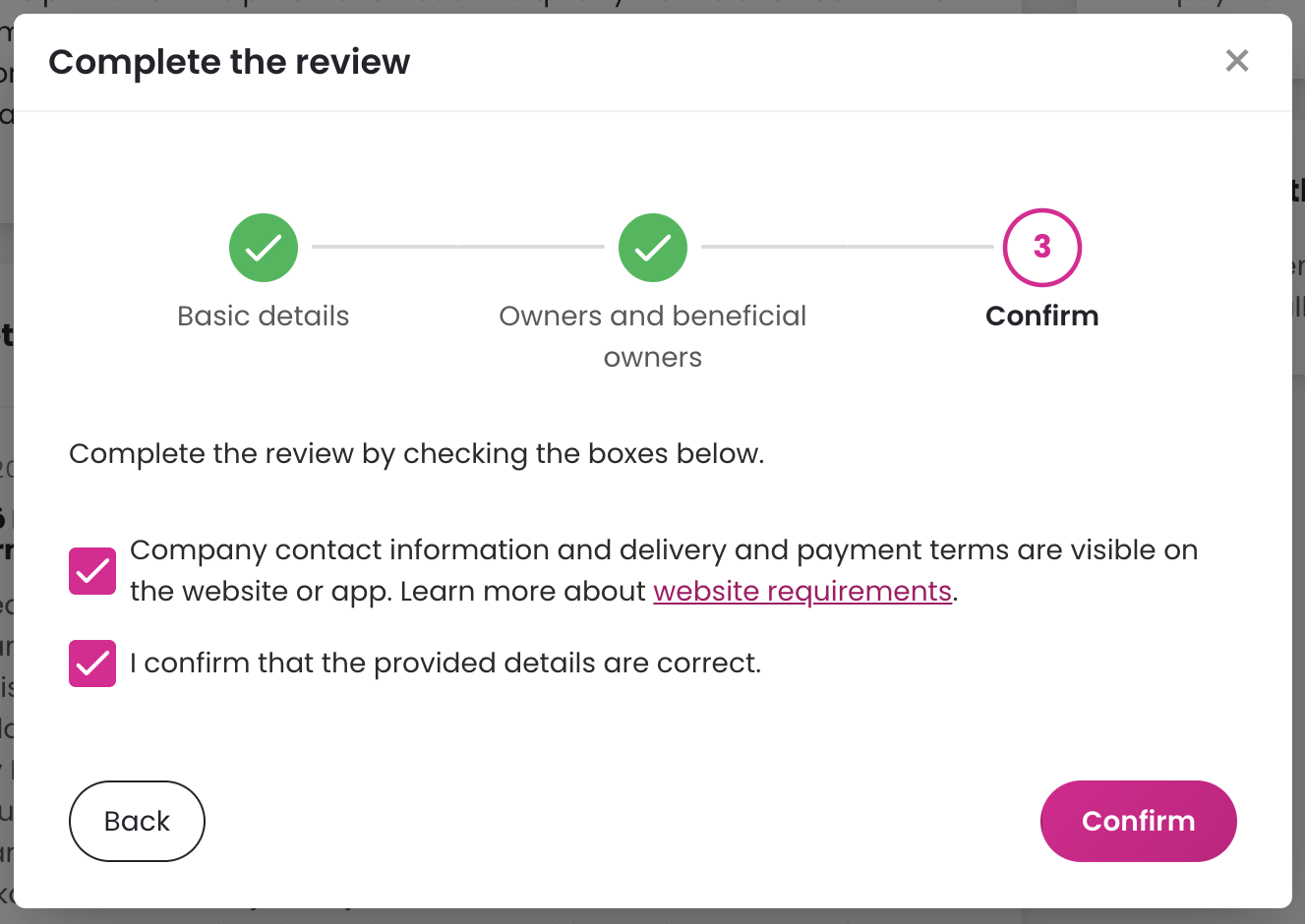
- Confirm that your VAT number is correct and visible on your online store or website. Then confirm that the submitted information is correct and select Confirm to complete the review.
After you submit the information, we will review the details you provided. If additional information is needed, we will contact the company contact person using the email listed in your account.