You can transfer funds from your bank account to your Paytrail merchant account in the Merchant Panel when you need funds for refunds or want to increase your available balance. Follow the steps below to make a transfer, and check which Finnish banks are supported.
Step by step: Transfer funds
- Sign in to the Merchant Panel.
- Start the transfer in one of the following ways:
-
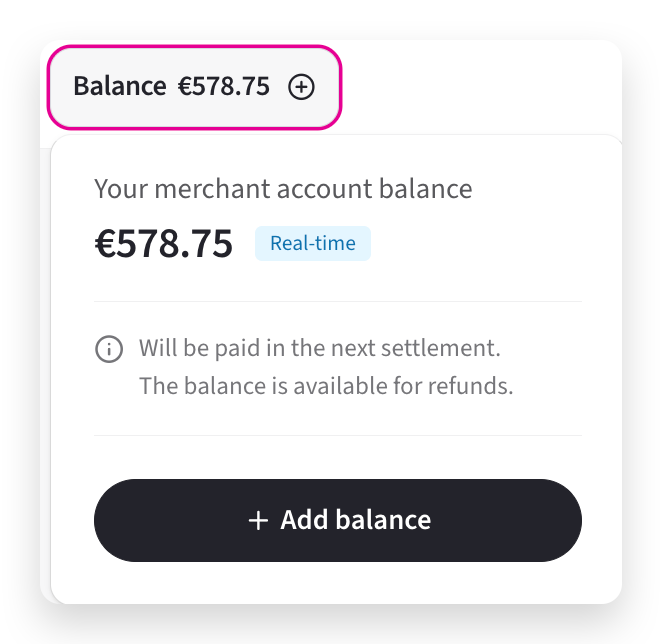
On the front page, select your Balance at the top of the page and then select Add balance.
-
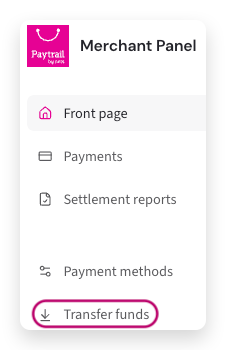
From the left-hand menu, select Transfer funds.
-
-
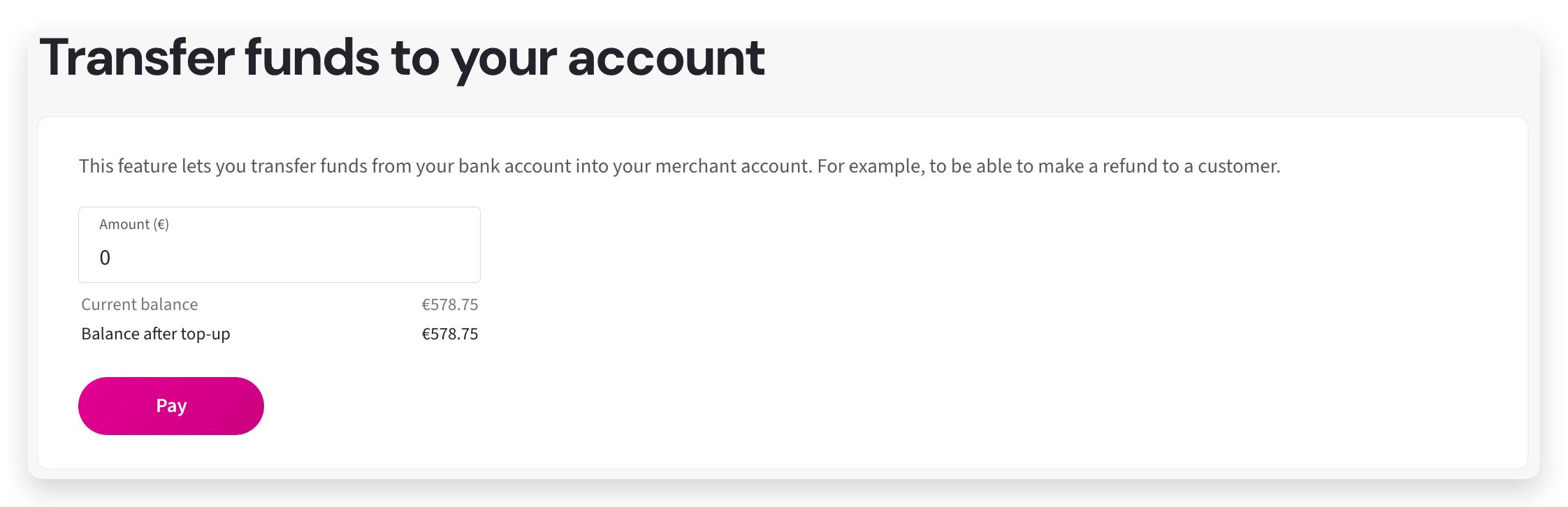
Enter the amount you want to transfer from your bank account to your merchant account and select Pay.
- You must have the Manage payments role to complete a transfer.
- Transfers can be made through the following Finnish banks: OP, Nordea, Danske Bank, S-Pankki, POP Pankki, Oma SP, Aktia, Säästöpankki, and Ålandsbanken.
- Your merchant account balance updates in real time.
Danske Bank business customers: If you are transferring from a business account, make sure the default role in your online banking is not set to personal account access. You can adjust this from the top menu. Once the business account is selected, the transfer will succeed.