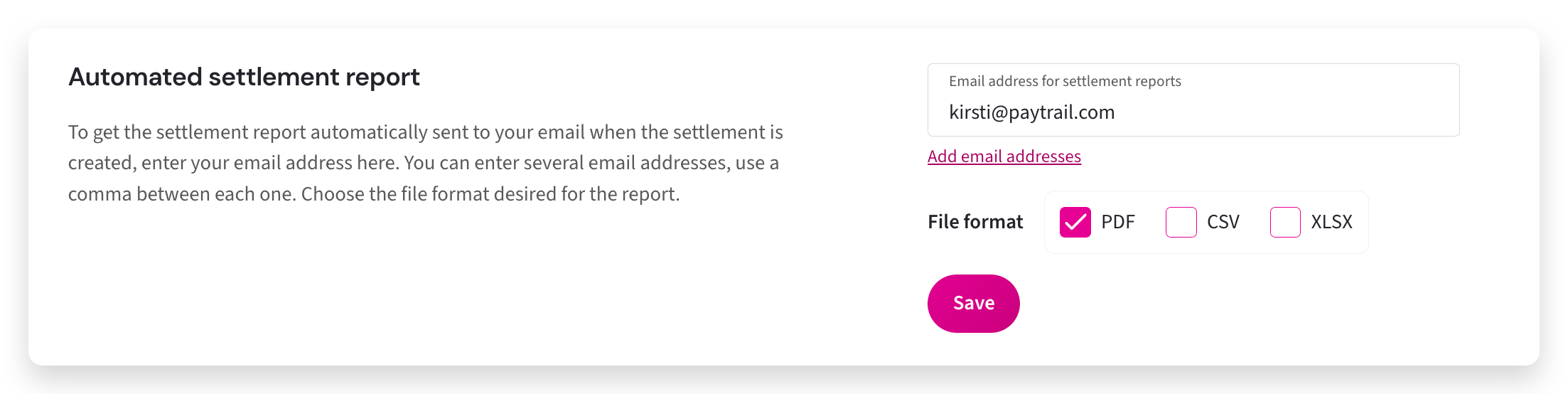
Settlement reports are generated automatically after each settlement is calculated. You can download the reports from the Merchant panel or choose to receive them by email in your preferred file format.
Step-by-step: Receive settlement reports by email
- Sign in to the Merchant panel.
- From the left-hand menu, select Settings.
- Add the email addresses that should receive settlement reports.
- Select the report file format (PDF, CSV, or XLSX).
- Click Save.