Offer Klarna, an AI-powered global payment method and shopping assistant, by activating it in the Merchant Panel. Klarna lets customers pay in full, later, or over time. Once enabled, Klarna becomes available at checkout for eligible customers without additional integration work.
Step-by-step: Activate Klarna
- Sign in to the Merchant Panel.
- From the left-hand menu, select Payment methods.
- Scroll to Klarna.
- Review the Klarna-specific terms, then select Activate.
-
Select the email address for the admin who will have access to the Klarna Partner Portal. Also add an email address for your customer service, which Klarna may share with customers if needed.
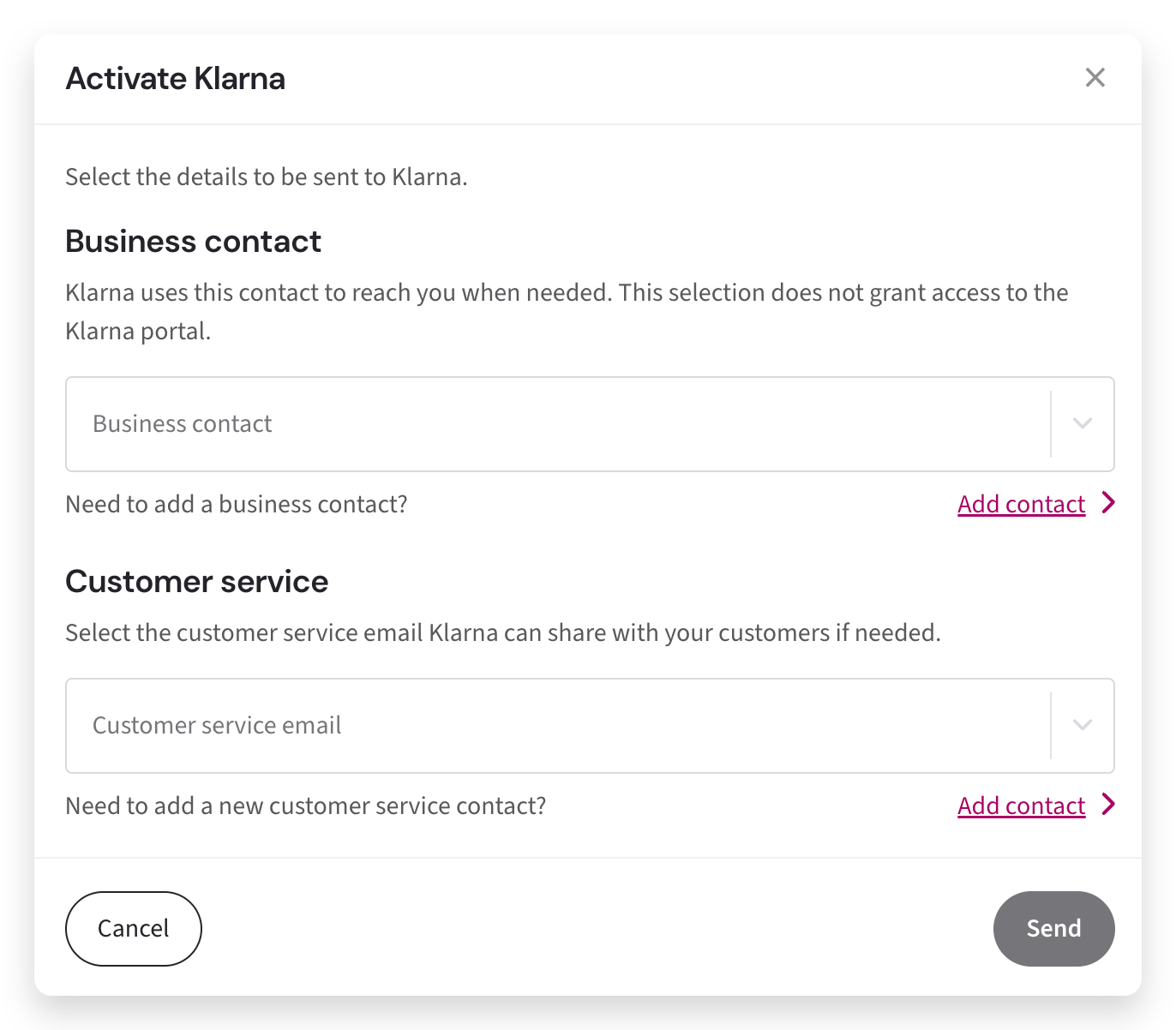
Klarna uses this information to create access to their Partner Portal.
-
For merchants with no other Klarna account: The admin receives an email from Klarna with a portal link that can be used once and is valid for 7 days.
Disputes related to Klarna payments are managed in the Klarna Partner Portal.
- For merchants with existing Klarna accounts: Klarna does not send a separate email. You can access the Klarna account linked through Paytrail in the Klarna Merchant Portal using the account selector.
-
If you ever need to change the Klarna admin or customer service email address, you can update them in the Merchant Panel.
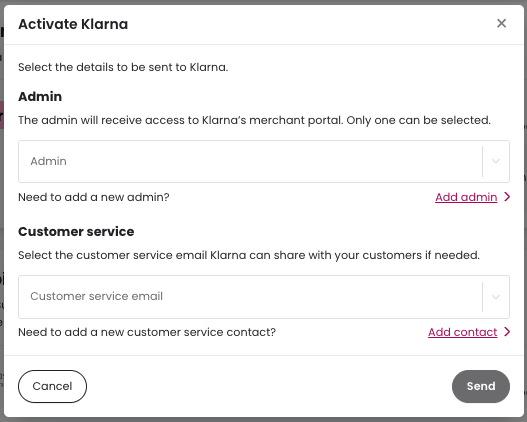
How Klarna uses these email addresses
Klarna will use the email addresses you provide for the following purposes:
- Admin email address: setting up access to the Klarna Merchant Portal and contacting you about disputes.
- Customer service email address: sharing contact details with customers if needed.
If you change the Klarna admin email address, access to the Klarna Merchant Portal is reset and new access is created for the updated admin email address.
Klarna website terms requirement
Klarna requires merchants to include the following text in their website terms and conditions:
You can choose to pay using Klarna. Klarna will provide you with specific payment terms. For further information or questions regarding your payment, please visit Klarna’s website.