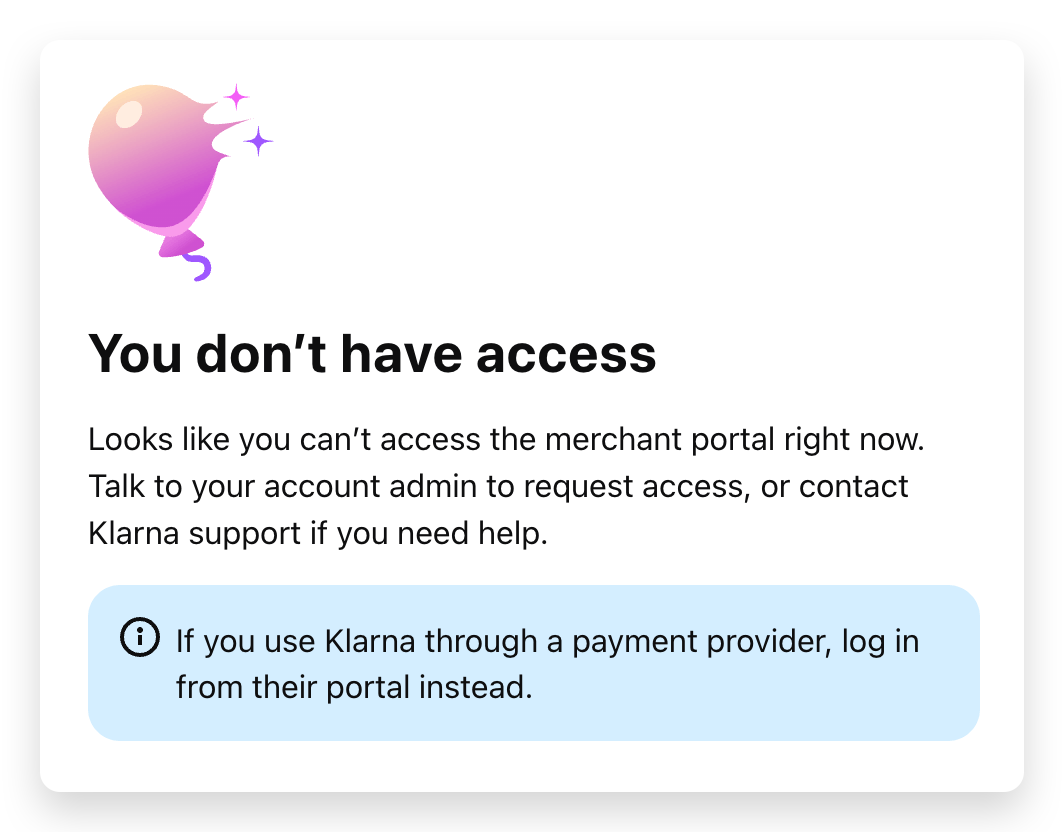
If you use Klarna through Paytrail and see the message “You don’t have access” when signing in to the Klarna Partner Portal, this may be because you're trying to access the portal directly. Klarna is transitioning merchants to accessing the portal exclusively through the Paytrail Merchant Panel. Follow the instructions below to access your account.
How to access the Klarna Partner Portal
- Sign in to the Merchant Panel.
-
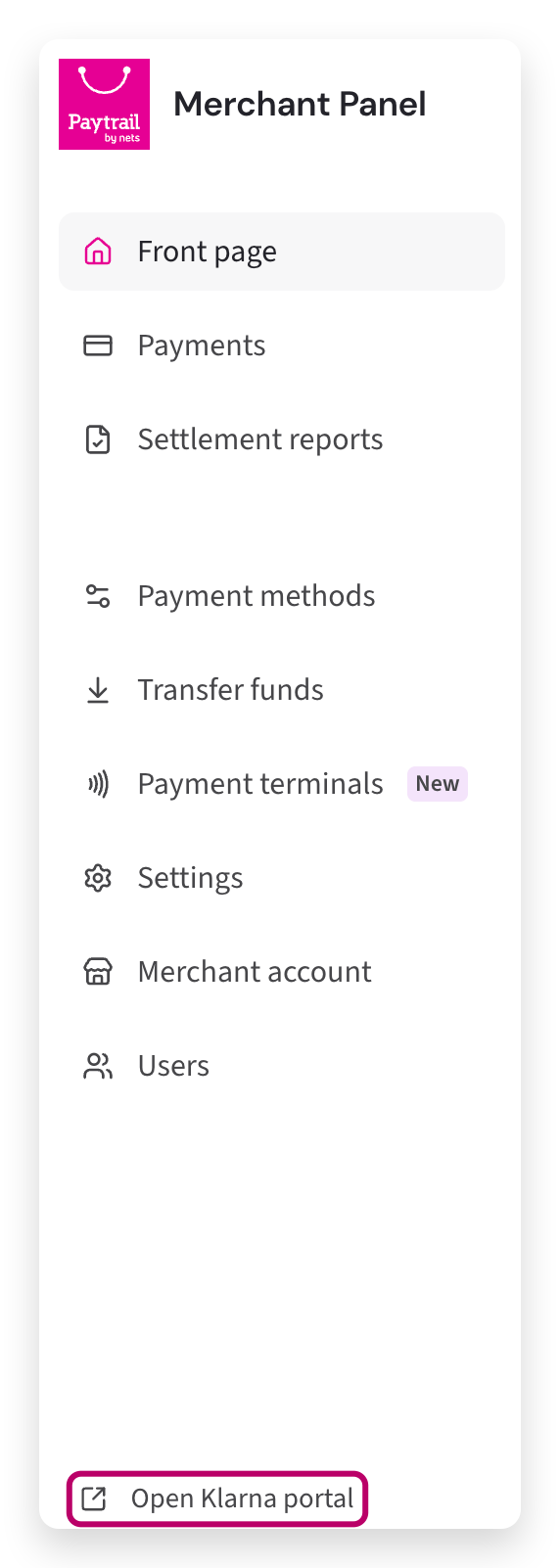
From the left-hand menu, scroll down and select Open Klarna portal. You need Manage information permissions in the Merchant Panel to access the Klarna Partner Portal.
Why you're seeing the error message
Klarna is phasing out direct sign-in through portal.klarna.com for Klarna accounts connected through Paytrail.
If you try to sign in directly, you may see the following message.
If you also have a separate agreement directly with Klarna, you can continue signing in to that account through the Klarna Partner Portal. However, your Klarna account connected through Paytrail must be accessed through the Paytrail Merchant Panel. You are not able to switch between these accounts within the Klarna Partner Portal.
Still having trouble accessing the portal?
If you can't access the Klarna Partner Portal through the Merchant Panel, check that your user account has Manage information permissions.
If you still need help, contact Paytrail customer service. Include your Merchant ID and a description of the problem so we can assist you.