Learn how to switch between Klarna accounts in the Klarna Partner Portal when you have access to more than one account.
Switch between Klarna accounts
If you have both a direct Klarna account and a Klarna account via Paytrail, make sure you select the correct account before managing disputes, users or Brand Manager settings.
- Sign in to the Klarna Partner Portal.
- Use the account selector dropdown to view your Klarna accounts.
- Select the Klarna account you want to manage.
- Account IDs usually begin with M and are 8-character identifiers that include both letters and numbers.
-
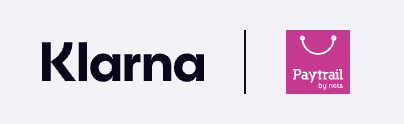
Klarna accounts via Paytrail display the Paytrail logo next to the Klarna logo.
If needed, learn how to find your Klarna account ID.
If you contact our customer service team about your Klarna account, please include your Klarna account ID, Merchant ID, and Business ID so we can assist you faster. You can find your Merchant ID in the Merchant panel under Merchant account.