If your payment did not reach the online business, it may be because the payment was made manually in your online bank instead of being completed through the business’s website, app, or a payment link sent by the business.
Learn how payments are processed through the Paytrail service and what to do if you think you made a payment incorrectly to Paytrail.
How payments to online businesses are processed through Paytrail
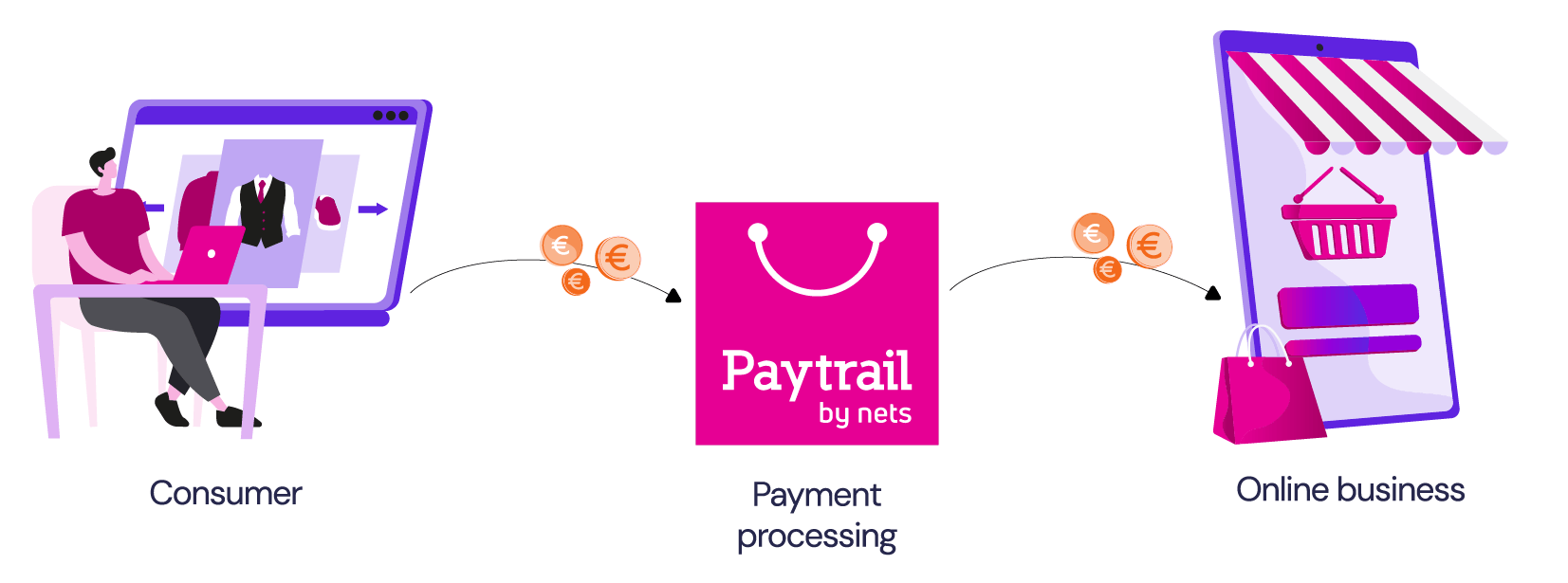
Online businesses use Paytrail to collect payments from their customers. When you pay through the business’s website, app, or a payment link sent by the business, the payment first goes to one of Paytrail’s accounts. Paytrail then forwards the payment to the correct online business.
For this to work correctly, the payment must be completed through the business’s website, app, or a payment link sent by the business.
Why your payment did not reach the online business
If you copy Paytrail’s account number and make a separate manual payment in your online bank, Paytrail’s system usually cannot automatically match the manual transfer to the correct online business, so the payment may remain in Paytrail’s customer reserve account.
Common situations where this happens
This can happen, for example, if you use one of Paytrail's account number from a previous payment or a payment link to make a payment and:
- Add the reference number from a previous payment or payment link.
- Add a message.
- Add a message instead of the reference number provided in the payment link.
- Add the reference number from an invoice provided by the online business.
Check whether the online business received your payment
First contact the online business to check whether the payment was received.
If the online business asks you to contact our customer service team, include proof of payment with your message.
Proof of payment can be:
- A screenshot showing the full payment details
- The payment receipt
The proof of payment should include the payer’s name, date, amount, message or reference number, and archive ID.
We will look into the payment and let you know the next steps.